
Closed right now

Visit & order
Hours & where to find us.
When the kitchen’s on, and when we’ll come to you.
Keep us one tap away.
Three taps, and our menu sits with your apps. No app store, nothing to sign in to.




- Tap Share in Safari
- Choose Add to Home Screen
- Tap Add, top right
- Done. It opens straight on our menu.
Open our menu to add itIt takes about ten seconds.
Peckdbury
PeckdburyAdd BookmarkFind on PageAdd to Home ScreenMarkup
CancelAdd to Home ScreenAddPeckdburypeckdbury.foodengine.uk
MessagesPhotosMapsWalletPeckdburyNotesMusicWeather
peckdbury.foodengine.ukInstall apppeckdbury.foodengine.ukInstall
peckdbury.foodengine.ukPeckdburypeckdbury.foodengine.ukCancelInstall
PhotosMapsPlayClockPeckdburyGmailDriveKeep
peckdbury.foodengine.ukNew tabHistoryAdd to Home screenSettings
No steps, because this browser has none. Nothing is animated here and nothing redirects.
Open in Safari to add it
You are browsing inside this app, which cannot add pages to a Home Screen. Tap ··· in the corner, choose Open in Safari, then add it from there. We will not move you automatically, so your basket stays where it is.
Ratings & recognition
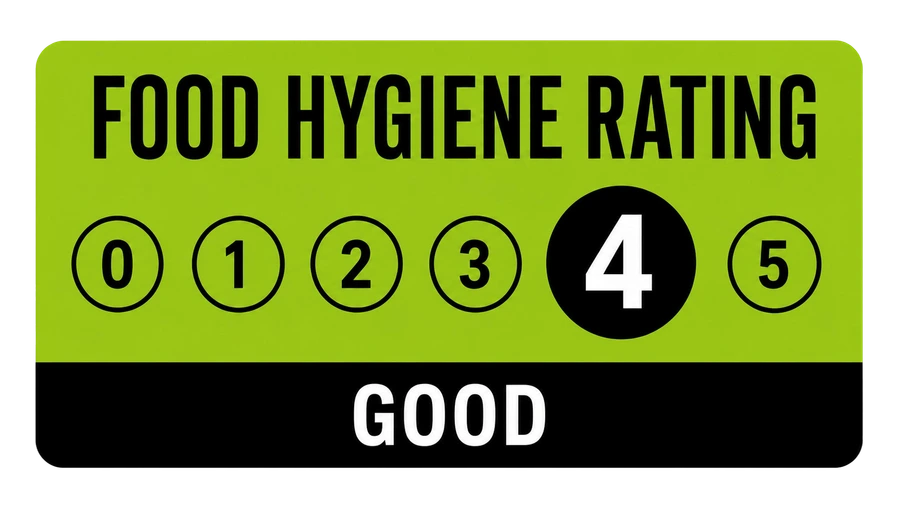
Independently rated by the Food Standards Agency.